A live tutor, a record of everything you learn, a Bluebook for all of it, and help with the rest, in six parts.
1
The tutor
Not a chatbot with a whiteboard bolted on. A tutor that talks, writes, draws and animates all at once, building every lesson live, around you.
What are you studying?
Completing the squareLive
A lesson built live, in front of you.
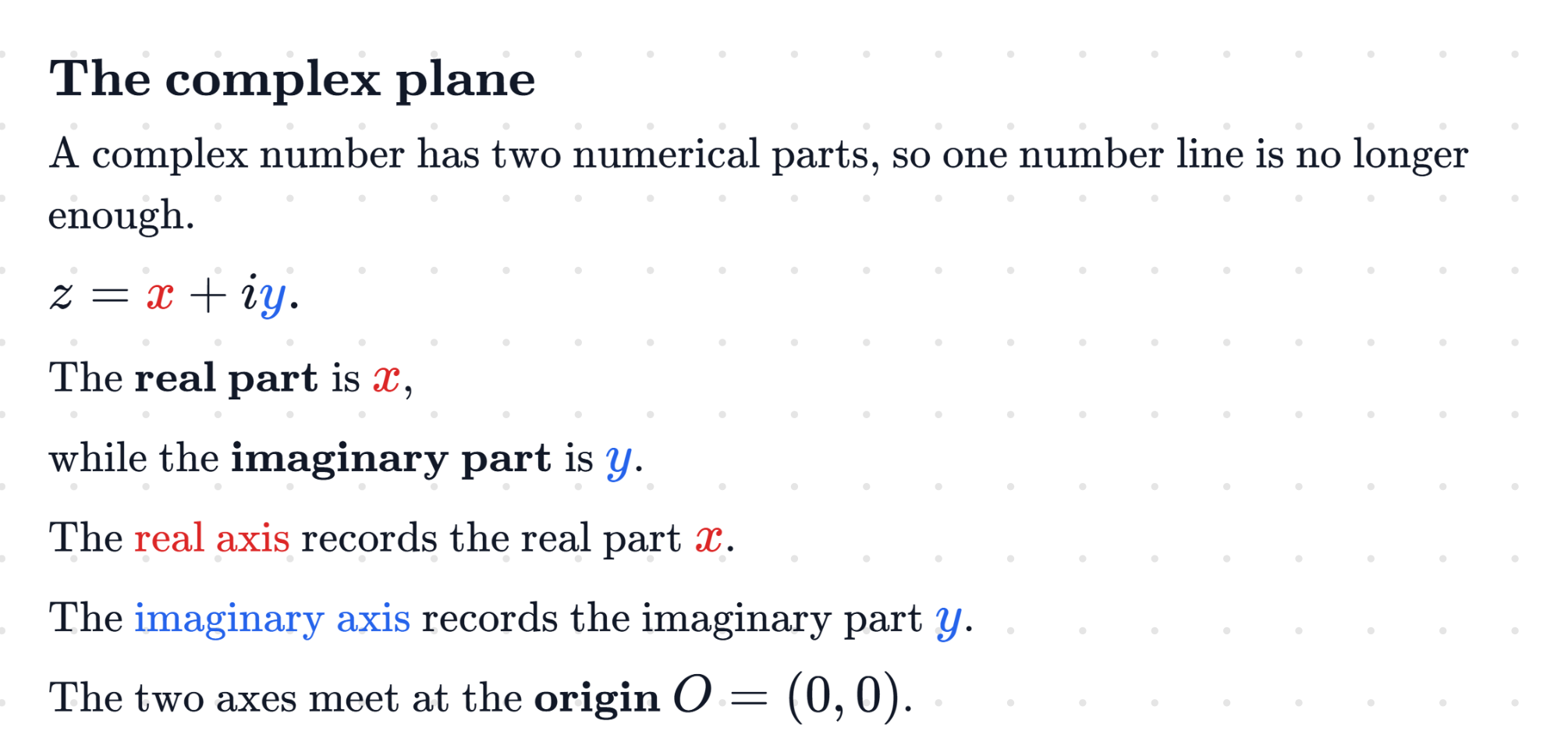
The lesson happens directly in your notebook, you and the tutor working in the same place, and everything happens at once: you write while it explains, equations appear line by line, diagrams build piece by piece, animations move as it speaks. Voice, ink and visuals come from one tutor, all in sync, so ideas that are hard to picture finally make sense. Interrupt it, ask why, take it somewhere else. It keeps up.
EnglishLet’s find the time of flight.
中文我们来求飞行时间。
Tiếng ViệtHãy tìm thời gian bay.
العربيةلنحسب زمن الطيران.
हिन्दीआइए उड़ान का समय ज्ञात करें।
EspañolCalculemos el tiempo de vuelo.
FrançaisTrouvons la durée du vol.
DeutschBestimmen wir die Flugzeit.
Any course, in your language.
Take a course from the library or build your own, and have it taught in over 20 languages: Mandarin, Cantonese, Vietnamese, Arabic, Hindi, Punjabi, Spanish, French, German, Italian, Greek, Korean, Japanese, Indonesian and more. Your tutor speaks it and writes your board in it, so you learn in the language you think in.
Animations that move as it explains.
When a still picture is not enough, it animates. Blood flowing through a vein as a clot forms, current through a wire, a reaction at an electrode: each one written for that moment, with every part moving on cue as the tutor talks you through it.
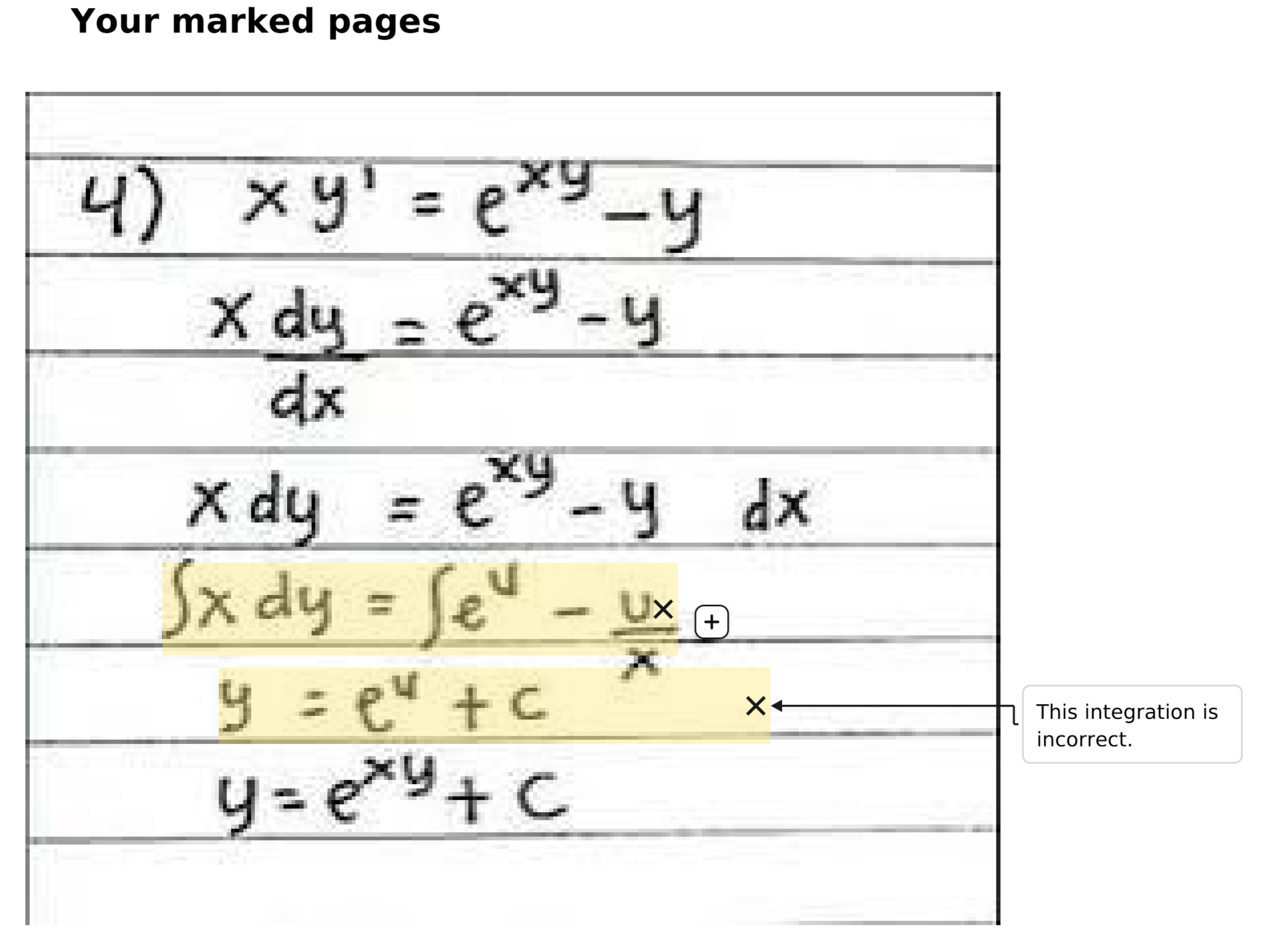
It marks up your working
Write it your way. When a step goes wrong, it lights up that exact spot on your page and asks you about it.
Working that builds itself
Axes, curves, tangents and labels draw themselves in the order it explains them, so you watch the idea come together.
Graphs you can explore
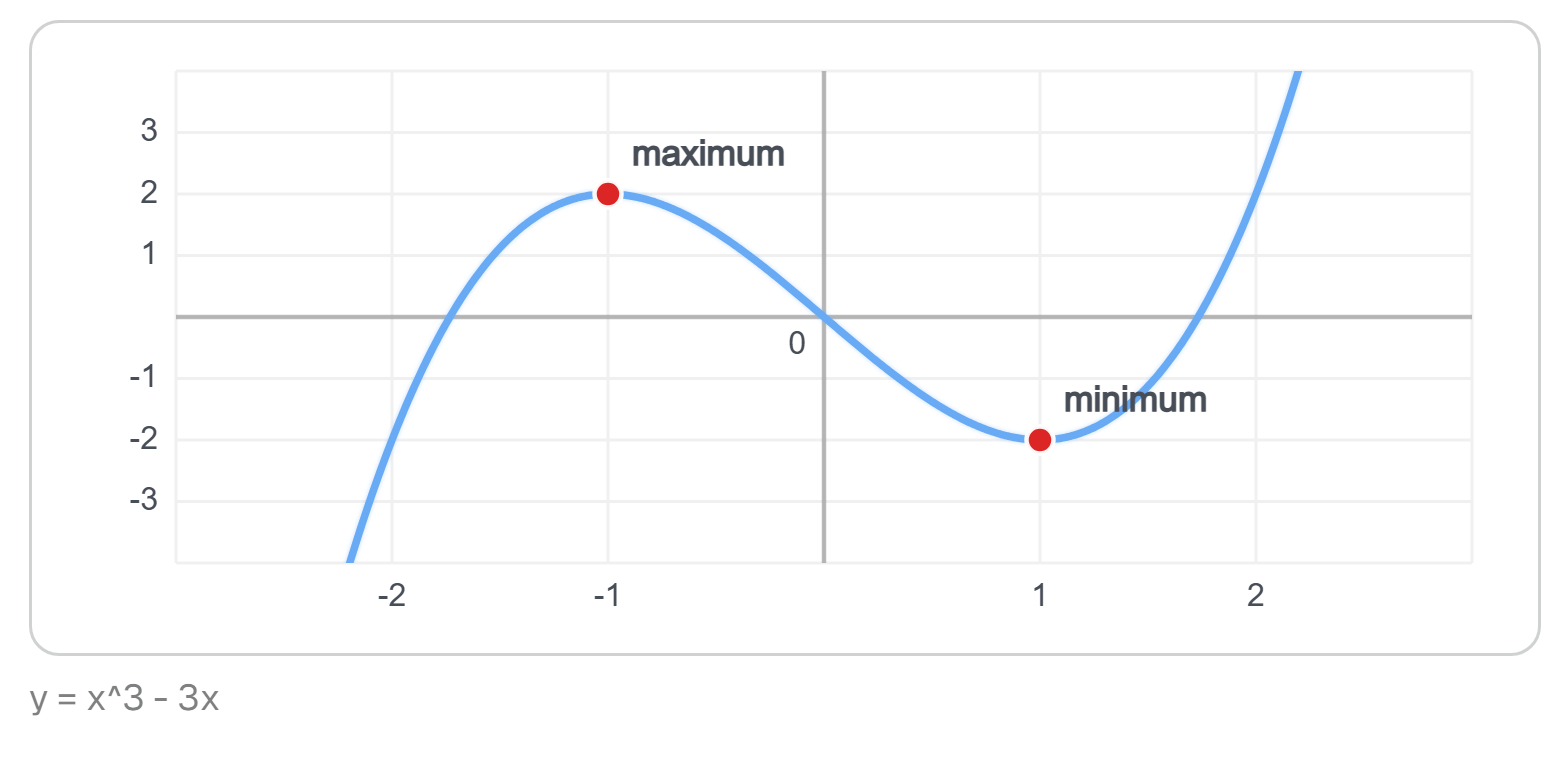
Plotted for your exact question, with your numbers: curves, tangents, asymptotes and where they meet.
y = x² − 6x + 5
= (x − 3)² − 9 + 5
= (x − 3)² + 4
?
Sent to your tutor
Paper, read in a snap
Prefer paper? Snap a photo and your working lands on the board, where the tutor reads every line.
One board, both of you
You write, it writes, on the same page at the same time. It follows every line you put down.
Diagrams that build as it talks
Graphs, diagrams and animations made from scratch for your question, growing step by step in time with the explanation. Nothing pre-made, nothing static.
You ask
Can you just tell me the time of flight?
Interactive Lecture: it leads
Let’s build it together. At the very top of the flight, what is the vertical velocity?
Three ways to be taught
Interactive Lecture teaches it in full, Tutor Mode follows your lead, Open Mode does exactly what you ask.
Also
Snap your paperA photo from your phone or webcam brings paper working in.
Bring your own materialUpload notes, a worksheet or a past paper before you start.
Works from your courseIt checks your course material before it answers.
Live captionsEverything said, written out as you go.
Handwriting to textTurn your writing into typed maths, and undo it if it is wrong.
A second screenMirror the board on a phone or tablet, and write on it there.
One board or severalShare one board, or give each window a board of its own.
Your layoutSave the arrangement of board, solutions and captions you like.
Choose the voicePick the voice your tutor speaks in.
2
Your progress
Every session reviewed, every concept tracked, and a tutor that adapts to you.
A recap of every session
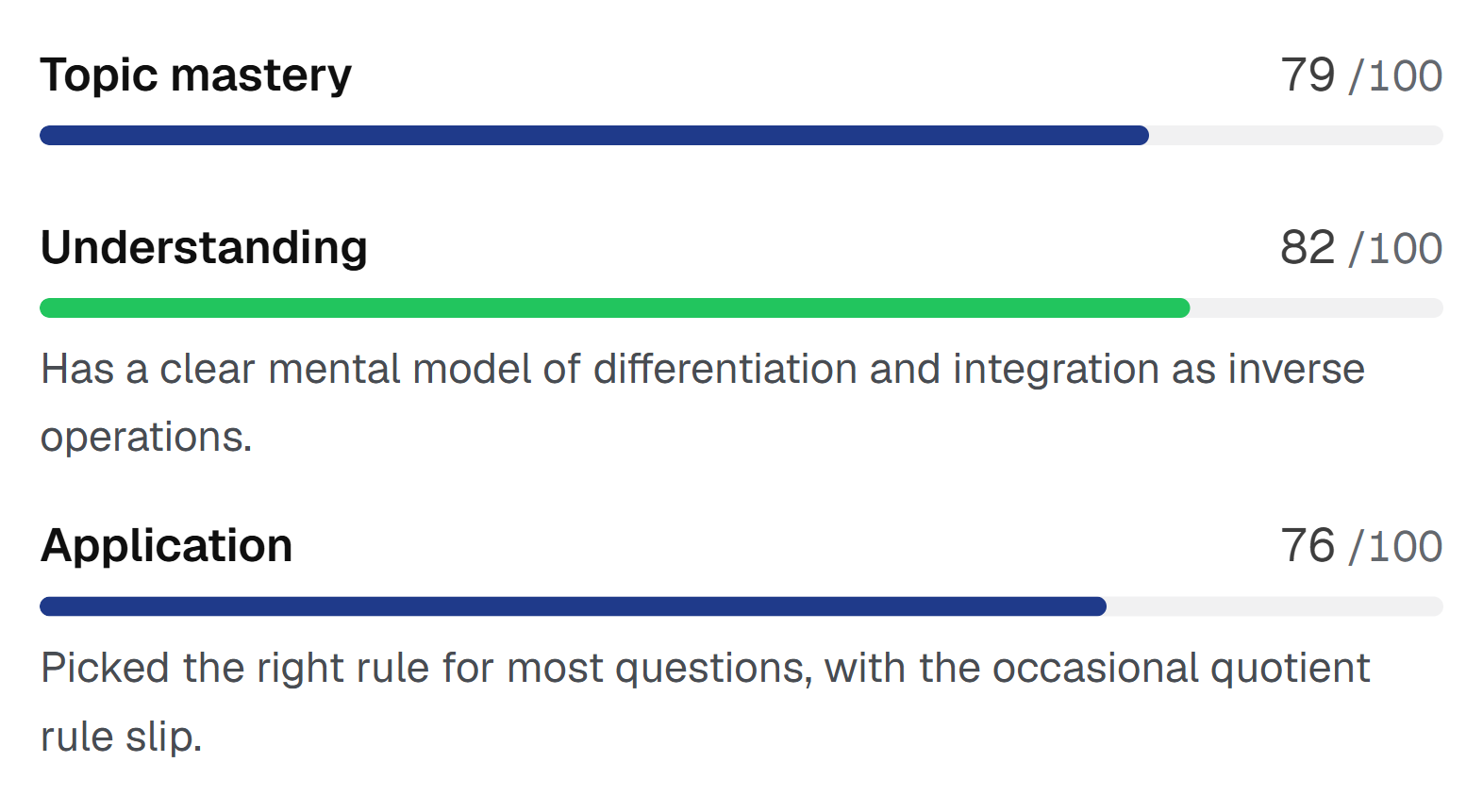
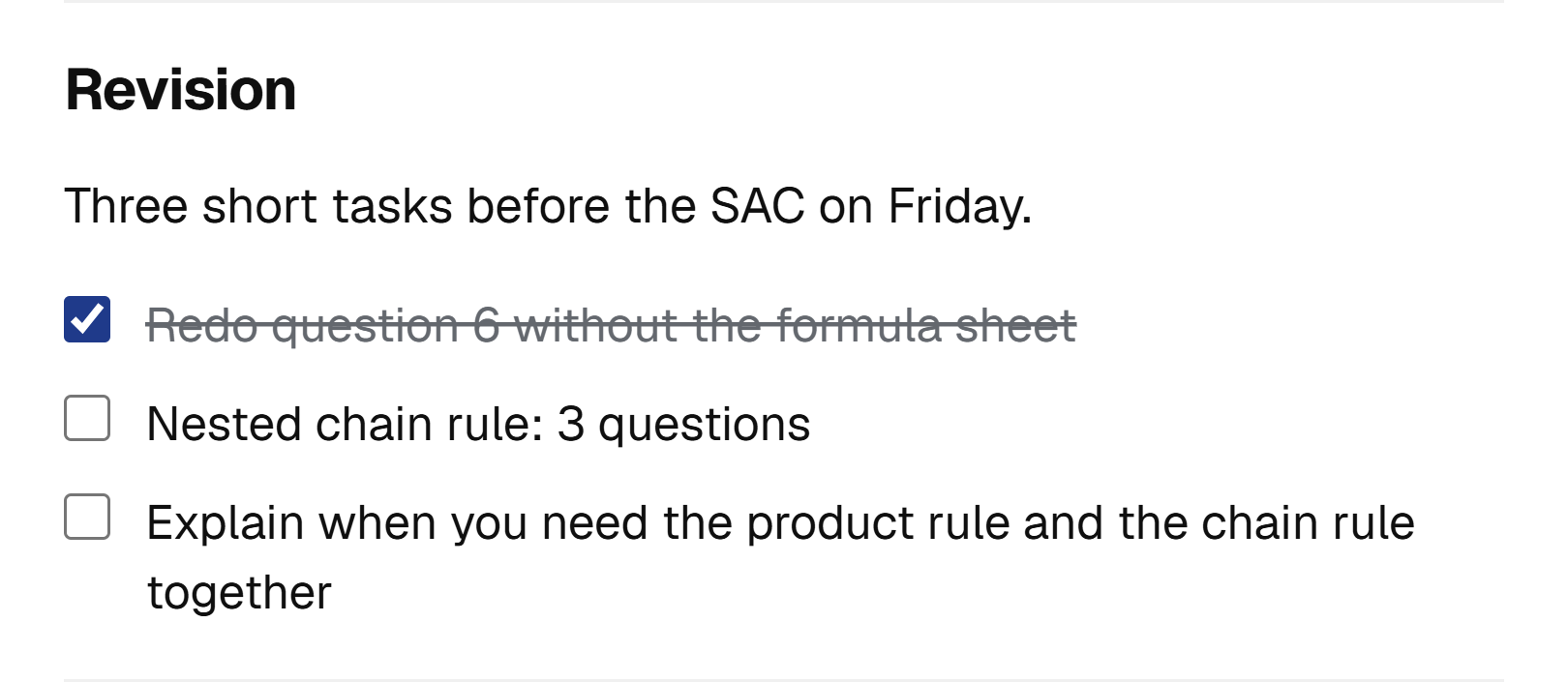
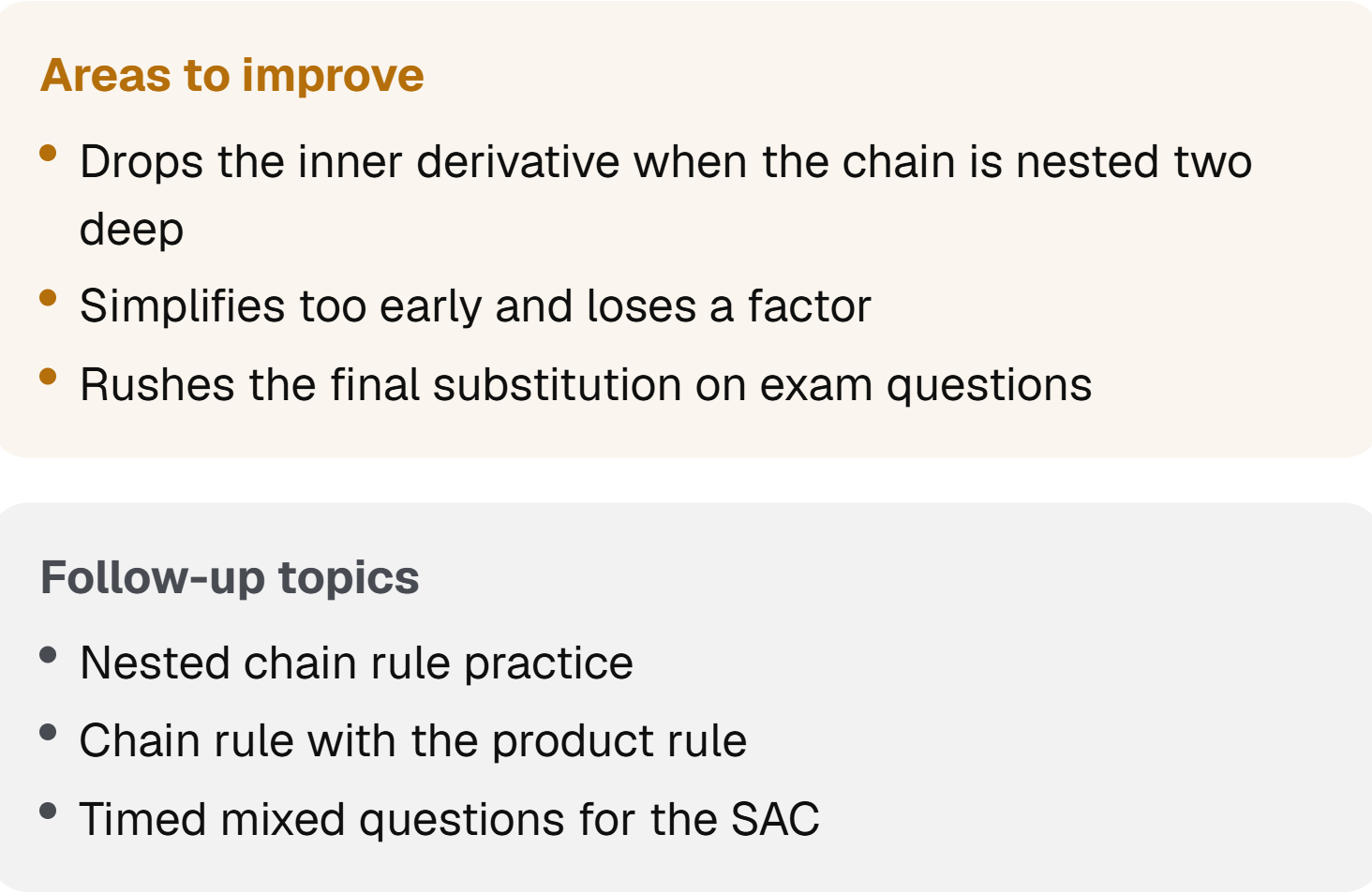
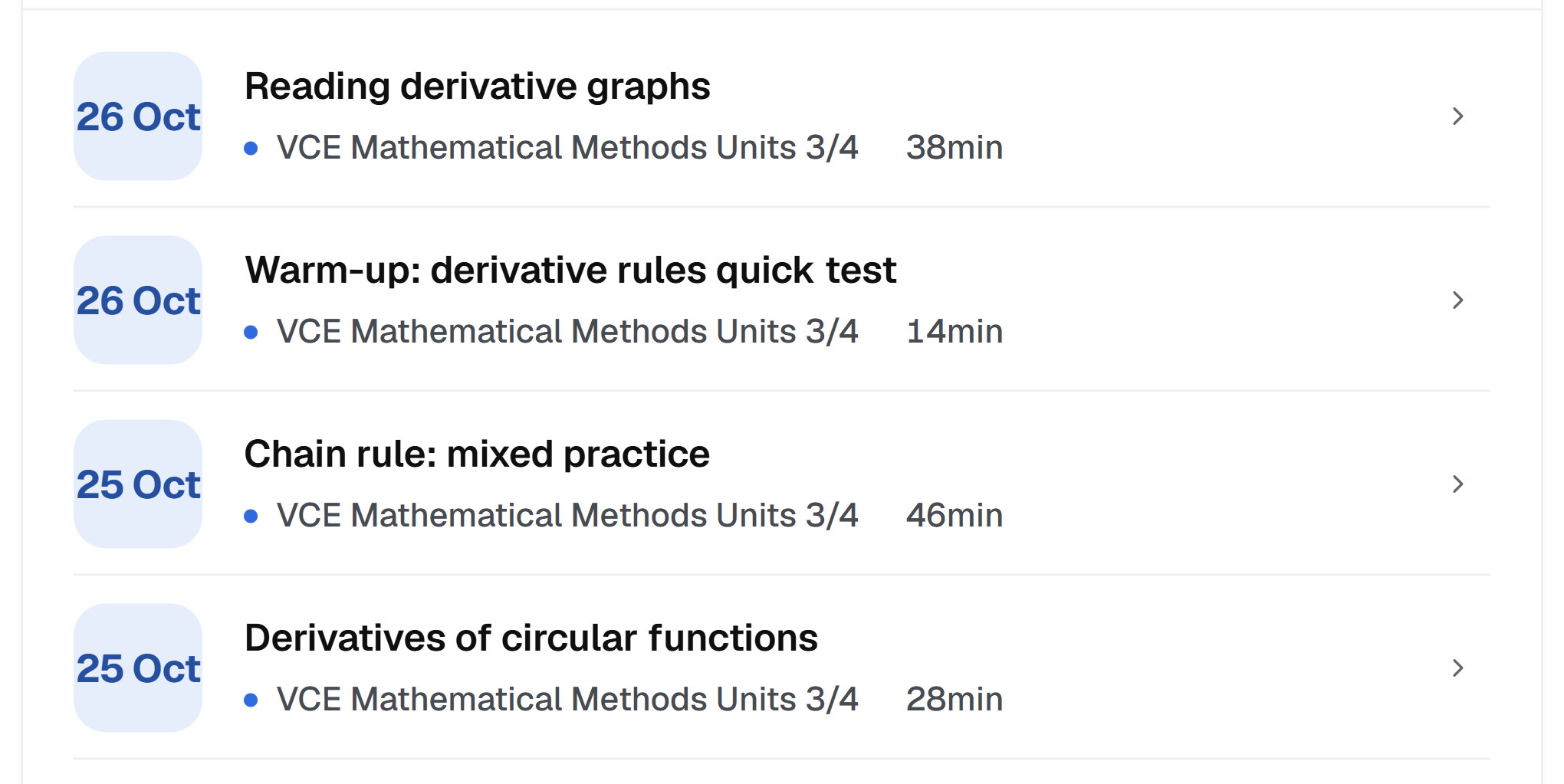
When the session ends you get a scored summary: what you covered, what went well, what still needs work, and revision to tick off.
Remembers where you left off
What you covered, where you got stuck, how you like to learn.
Mastery, topic by topic
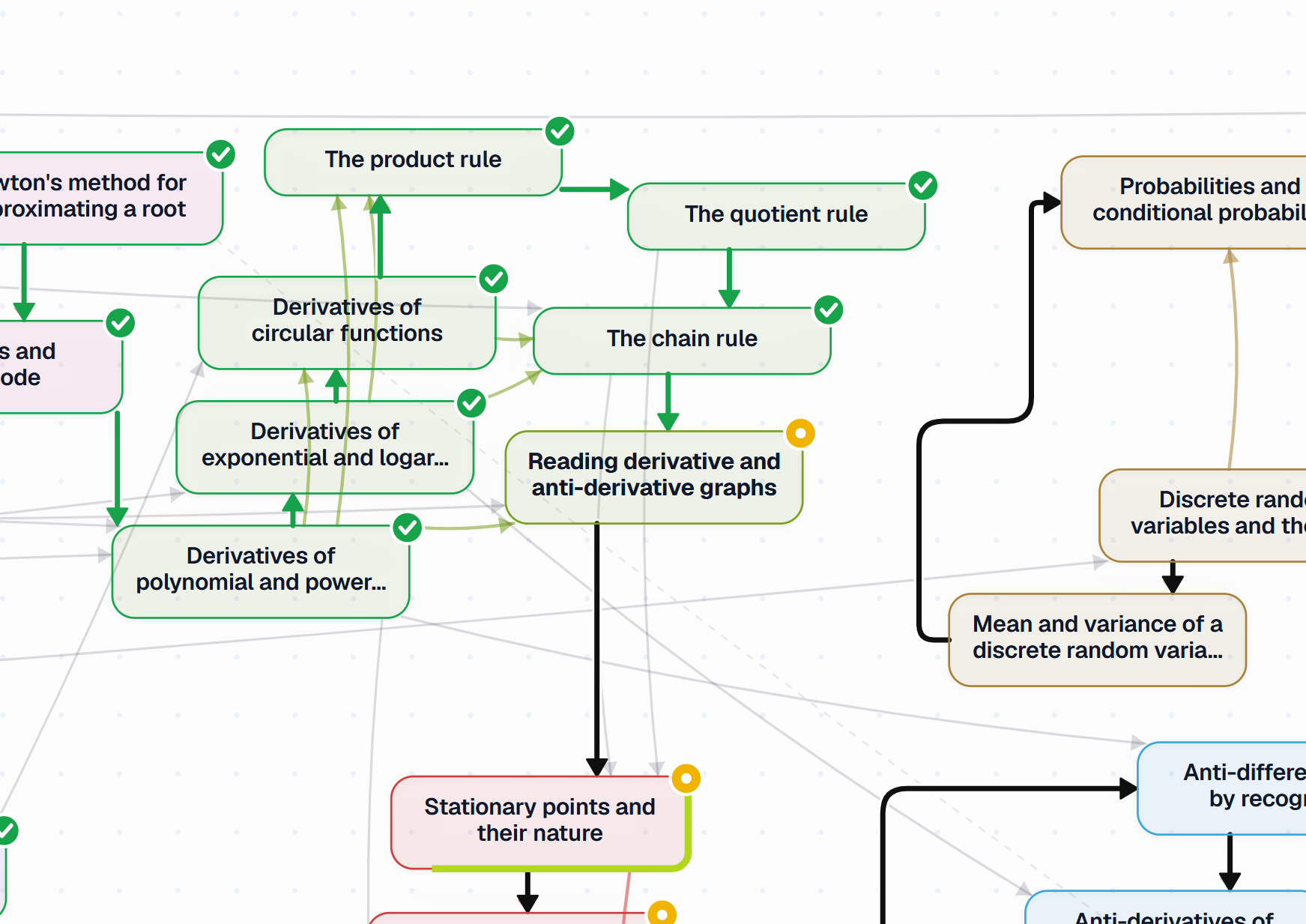
A map of your course that fills in as you prove each topic.
Nothing hidden
See what Bluehall has learned about how you learn, and remove any of it.
Every session, kept
Every session saved, with its transcript and your board.
Also
The review emailThe review lands in your inbox when the session ends.
DownloadsThe transcript, the tutor’s solutions and your board, to keep.
Your page, savedThe whiteboard as you left it, with or without the tutor’s ink.
Your scorecardUnderstanding, application, persistence and more, scored each session.
3
Adaptive learning
Bluehall gets to know how you learn and teaches to suit you. Turn it off any time, and it teaches with its standard approach.
Teaching that’s right for YOU.
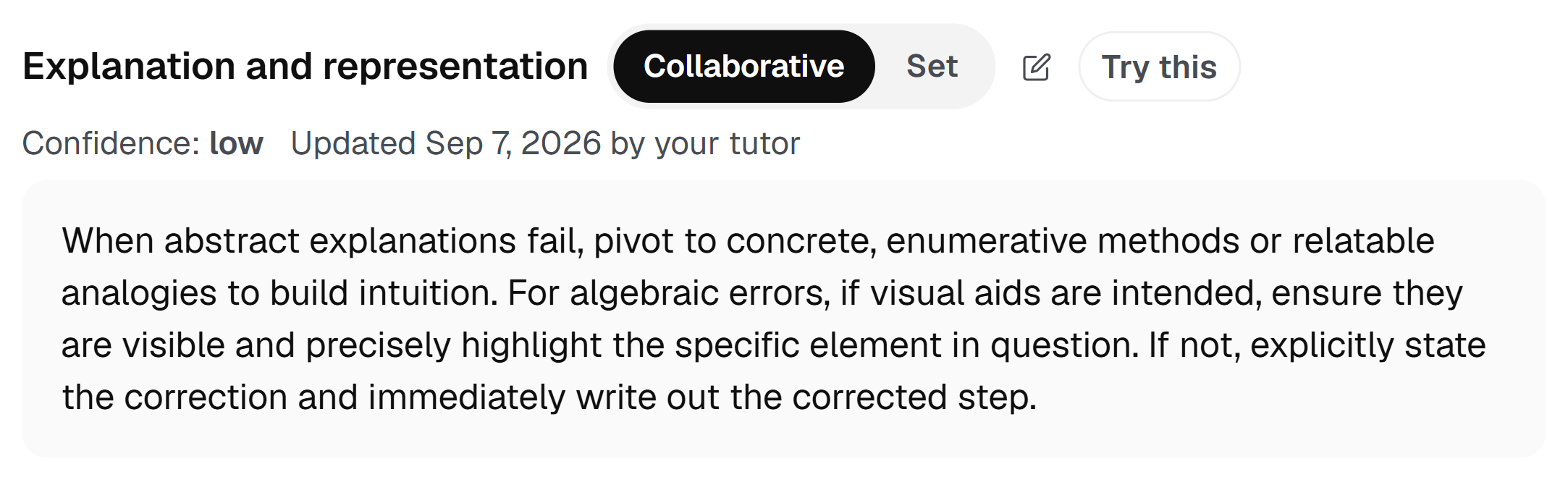
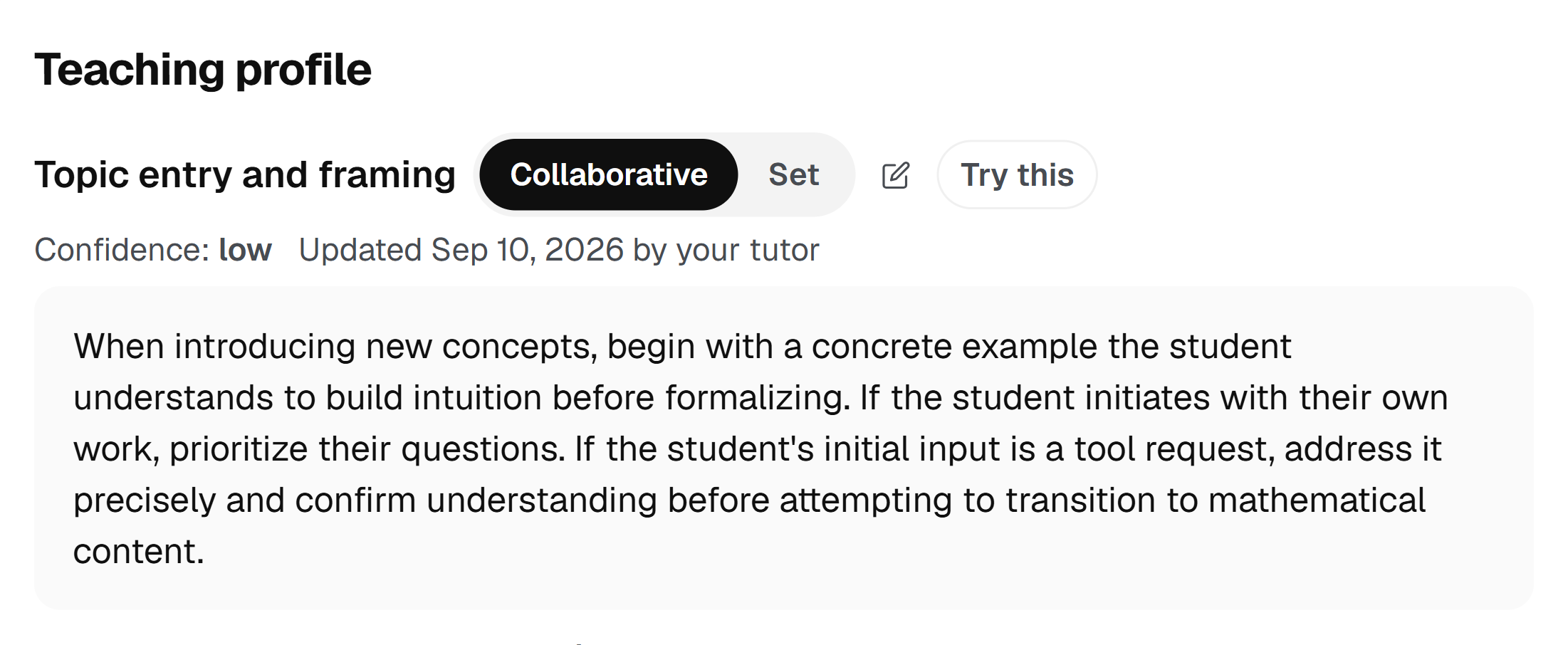
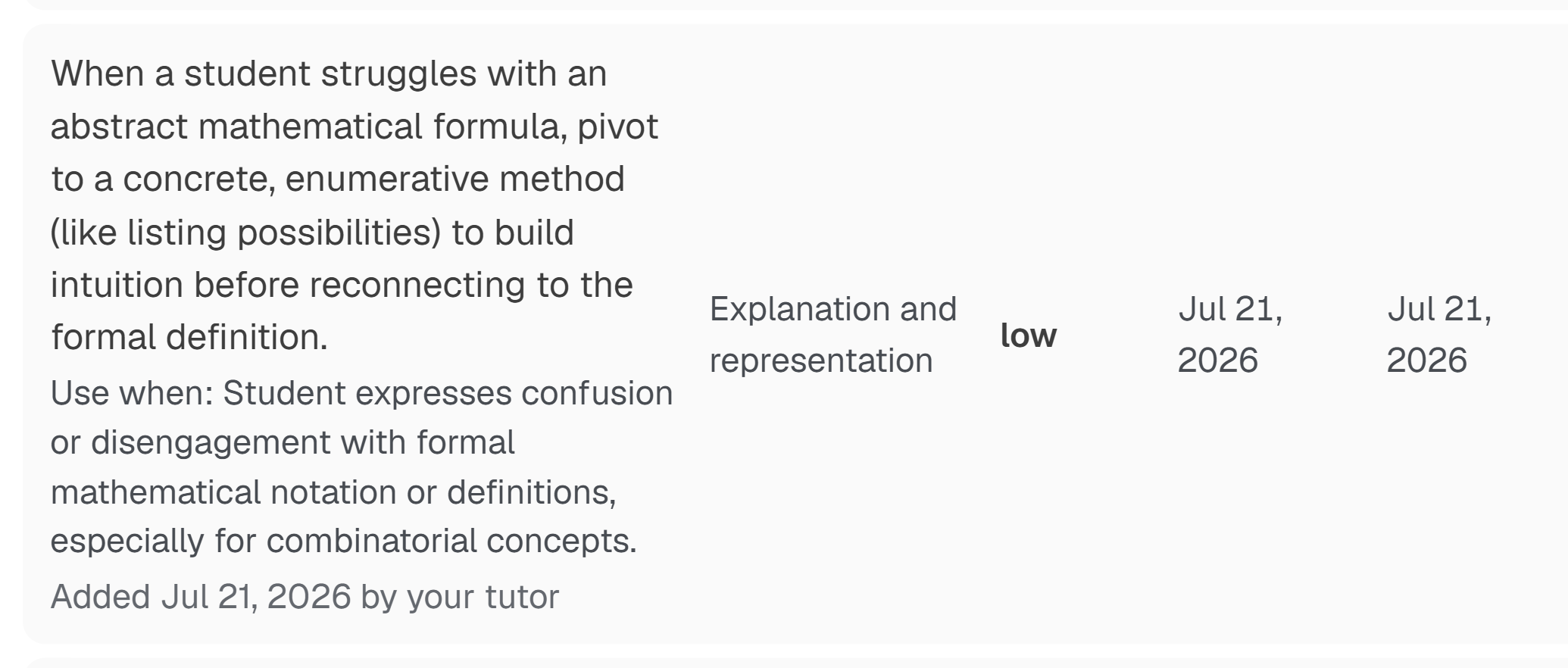
Bluehall notices what helps you most, like an example before the rule or a slower pace, and teaches you more that way. What it learns is kept in your teaching profile, which you can read at any time.
Turn it off any time
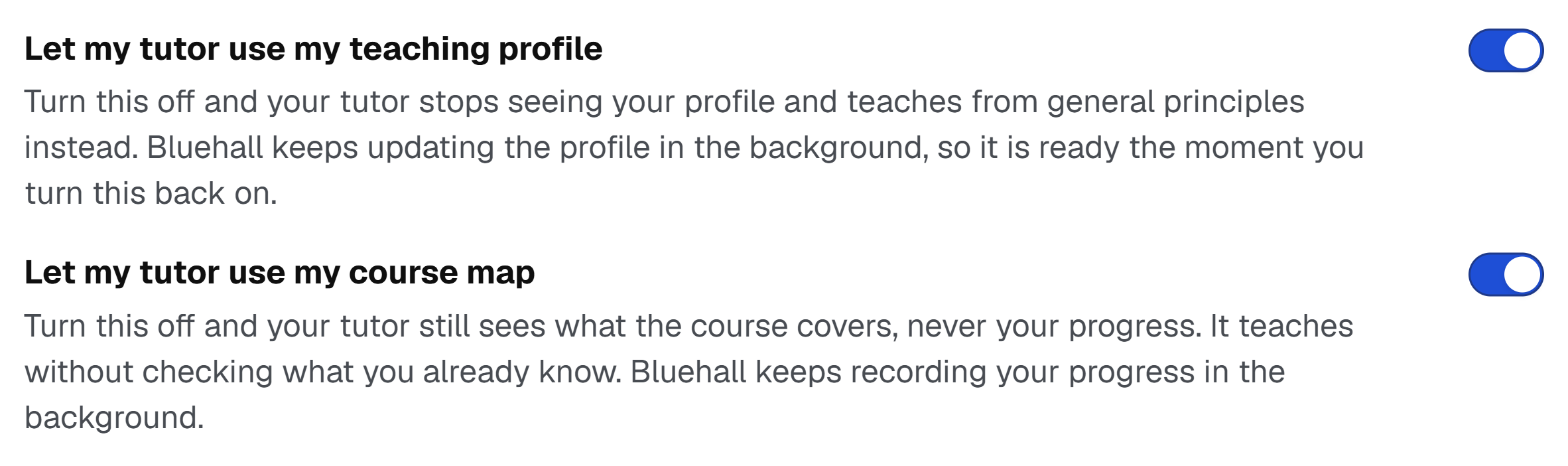
Off, Bluehall teaches with its standard approach. Or pause it, and it keeps teaching the way that suits you without learning anything new.
See why it teaches you this way
For every approach it uses, see how often it has helped you and when it was last used.
You, your parents and your teachers
Change anything yourself. A note from a parent or a report from a teacher helps it understand you too.
Private to you
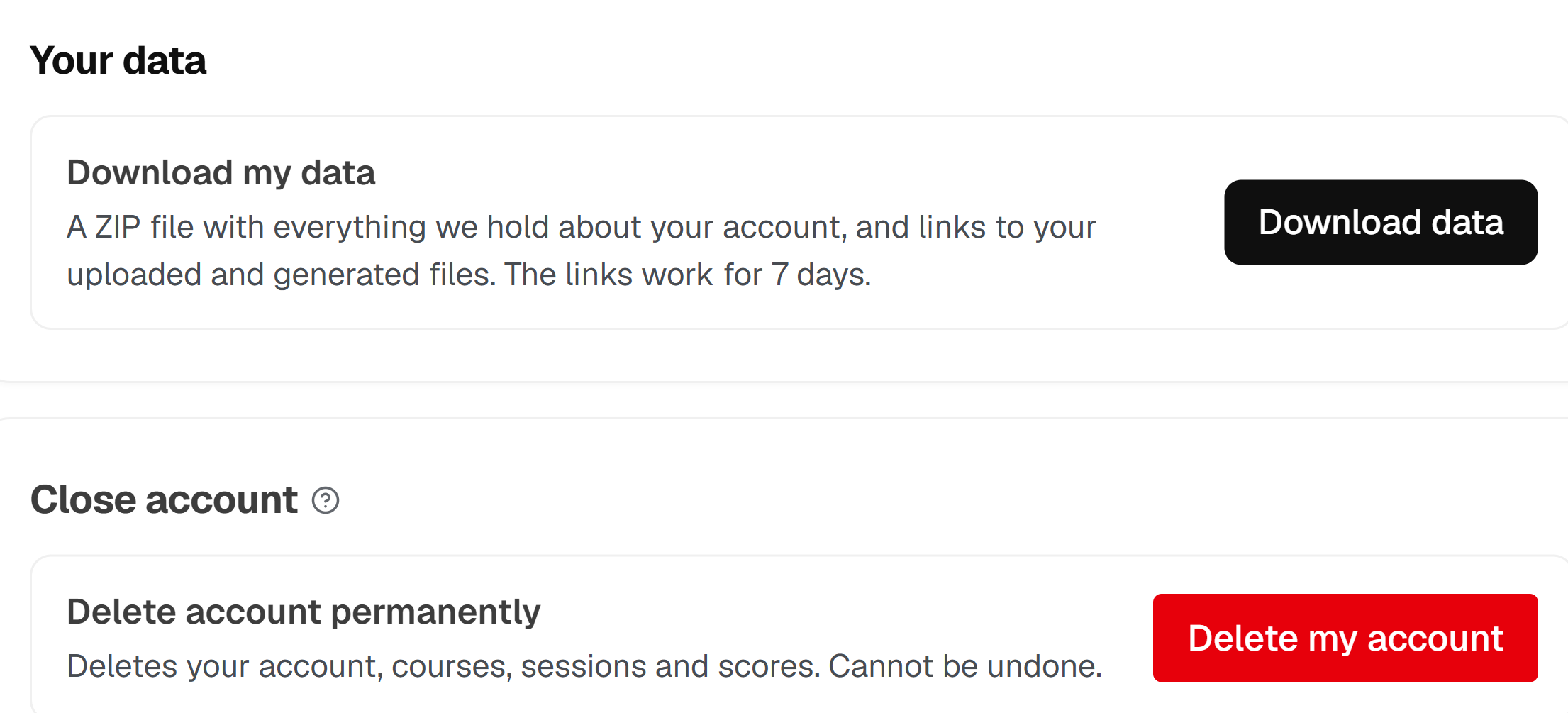
No one else sees it. Delete any of it, or download all of it, whenever you like.
Also
Suggest an approachTell it something to try, and it tries it next session.
Lock one partKeep any part, like the pace, exactly as it is.
One course or allDifferent for each course, or the same everywhere.
Improves between sessionsAfter each session it looks at what helped, ready for next time.
Pause progress trackingStop your course map updating, for one course or all of them. Nothing is lost.
4
Bluebook
Your notes, boards and files, and everything the tutor makes, sorted by course.
Your whole year, in one place
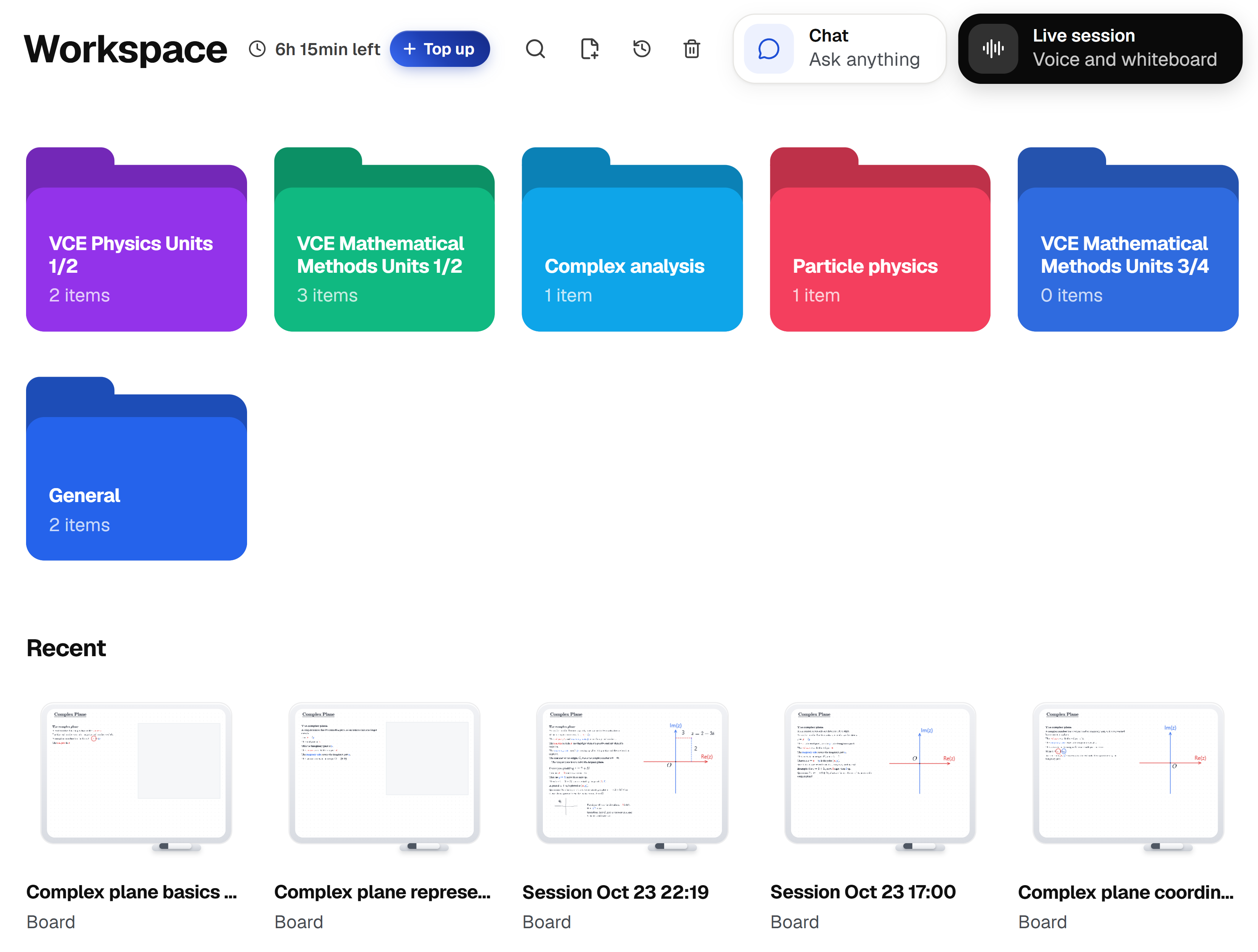
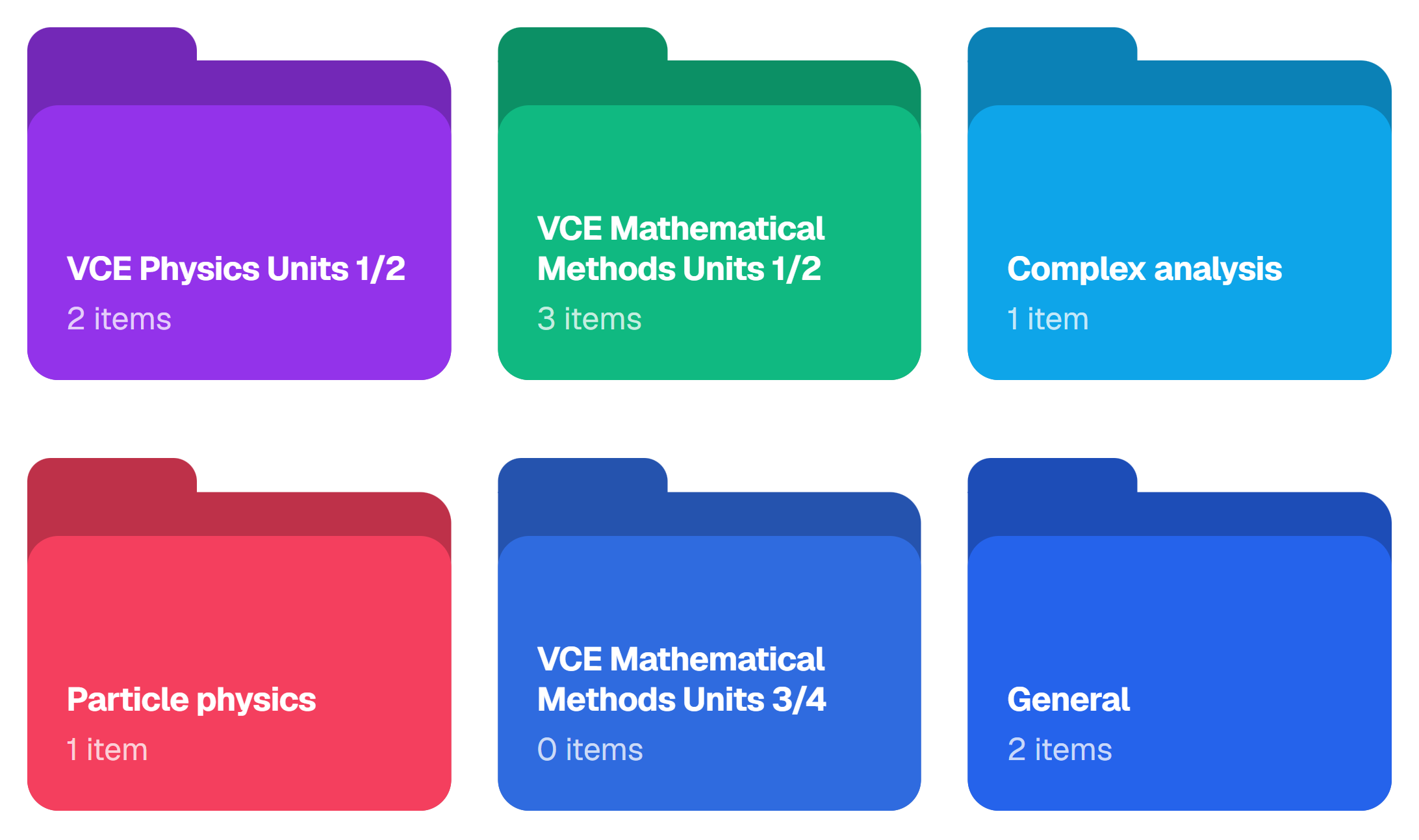
Bluebook holds every board you have written on, every file you have uploaded and everything the tutor has made for you, sorted into a folder per course.
Boards that save as you write
A freehand board for working, notes and diagrams. Nothing to save, ever.
A folder for every course
Each course gets its own folder, in its own colour, and you add the rest.
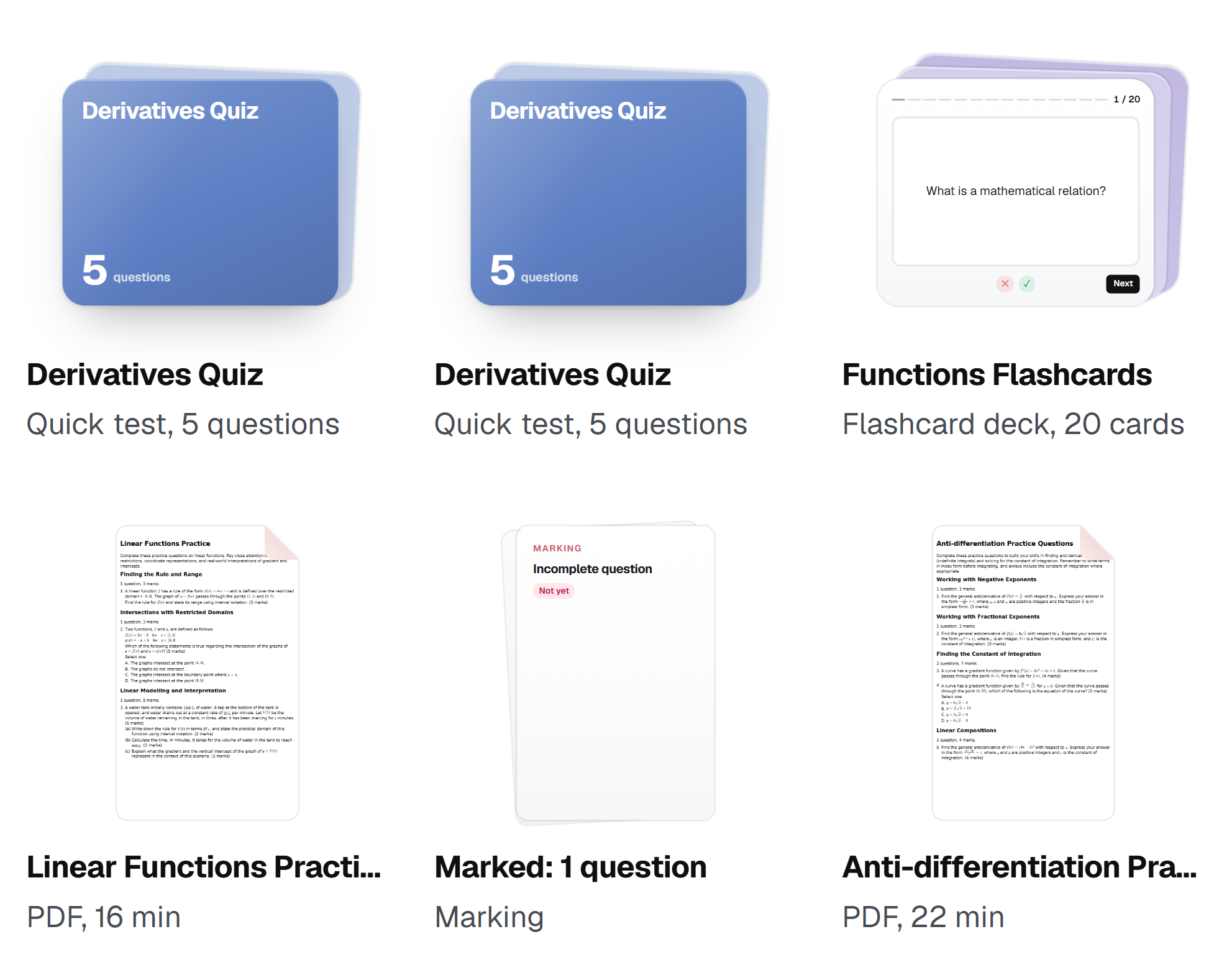
Everything lands here
Session boards, practice the tutor made you, and your uploads, all filed for you.
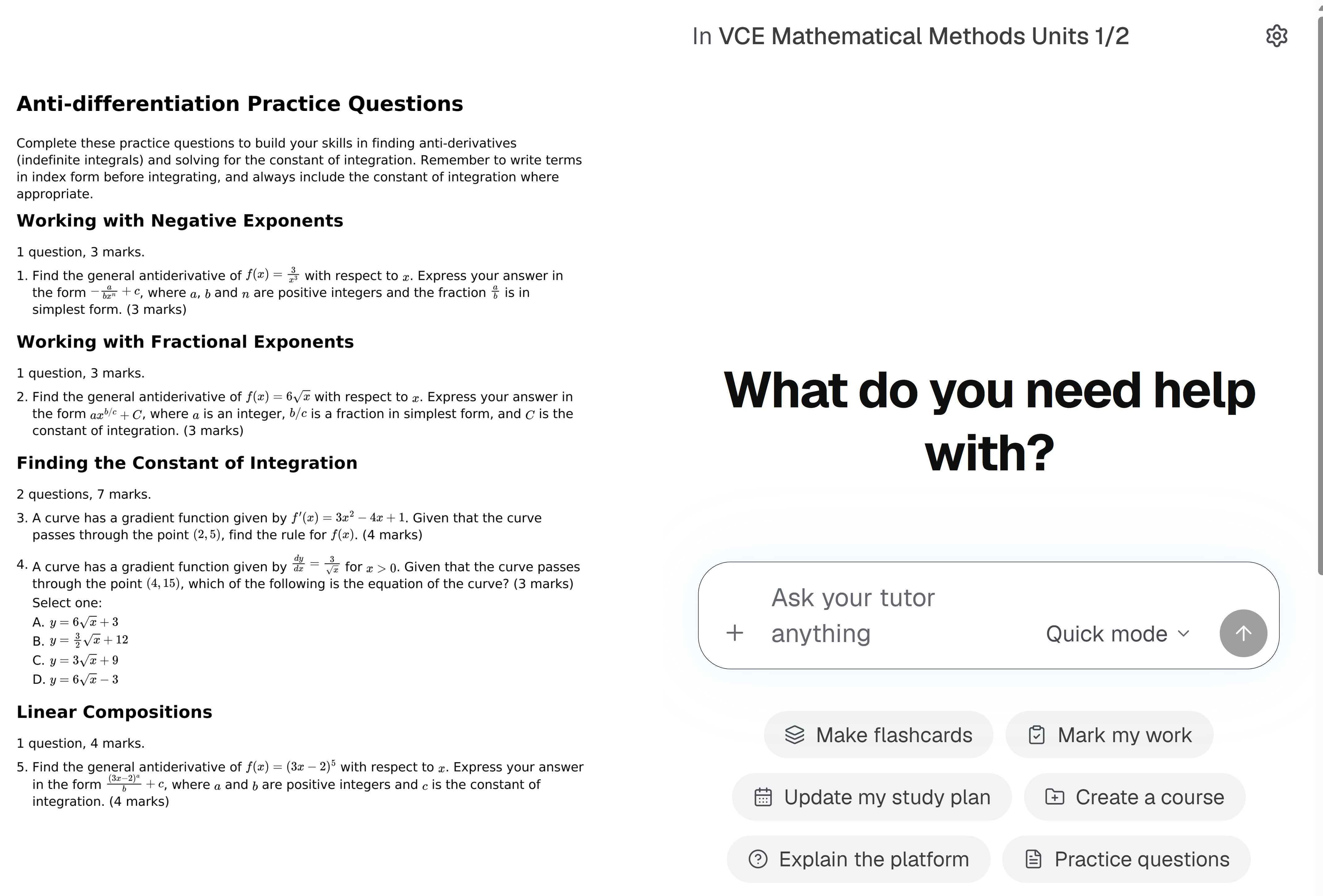
Ask about any file
Open a chat beside a file and the tutor reads it with you.
Also
Start a session on a boardOpen a board and start the session right there.
Upload anythingPDFs, Word documents, slides, spreadsheets and photos.
Search it allEvery file, board and session, from one search box.
Your own foldersMake, rename and move folders however you think.
A trash you can undoDeleted files wait in Trash before they go for good.
5
Staying organised
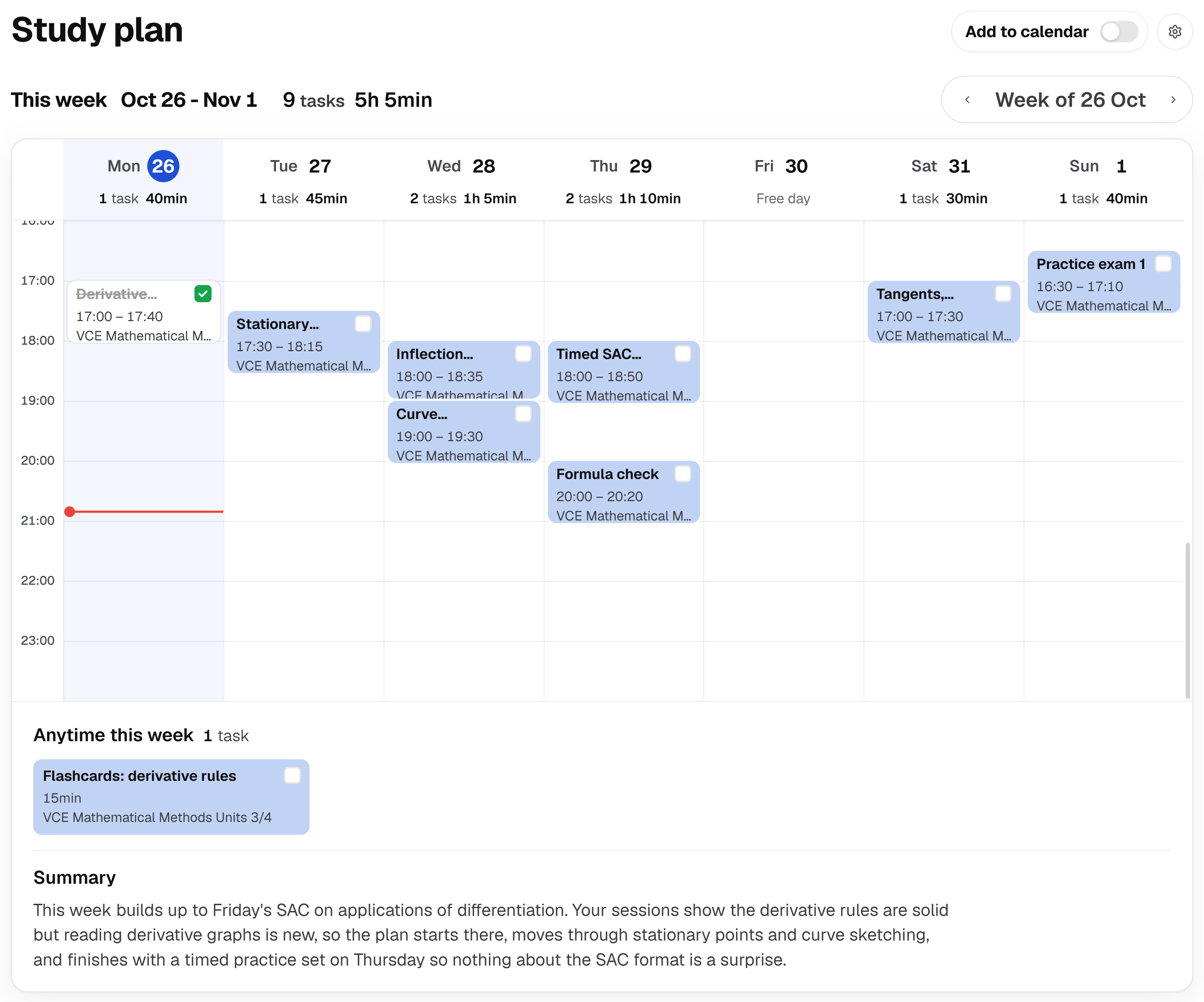
Your plan, your calendar and your goals, kept in step with each other.
A study plan that adapts itself.
Built from your courses timeline, your goals, your sessions and your calendar events, so you can always manage a busy schedule with staying on top of your assignments and not fall behind in class.
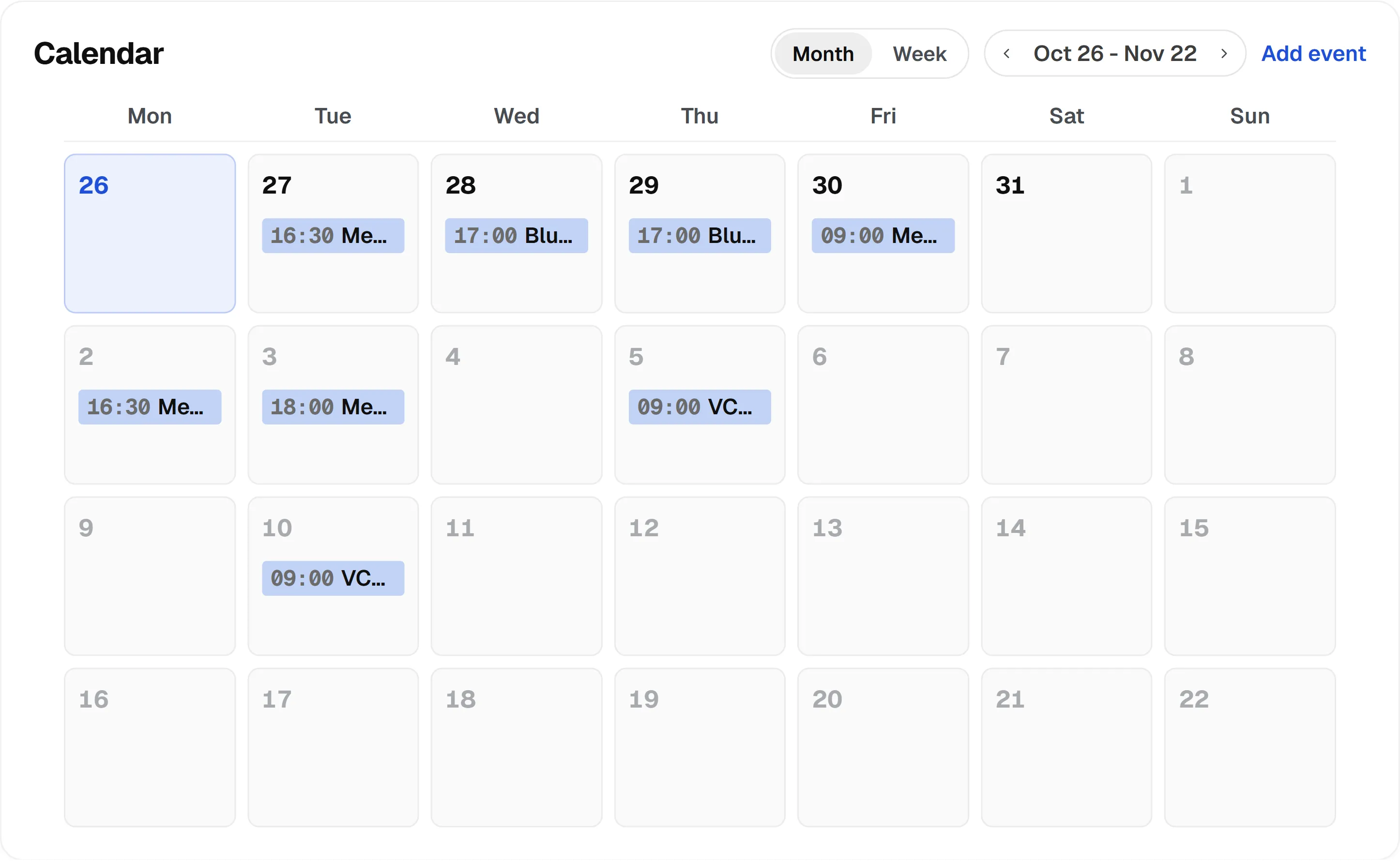
Calendar and timetables
Connect Google, Apple, Outlook or your school’s calendar feed, so the tutor knows what is coming.
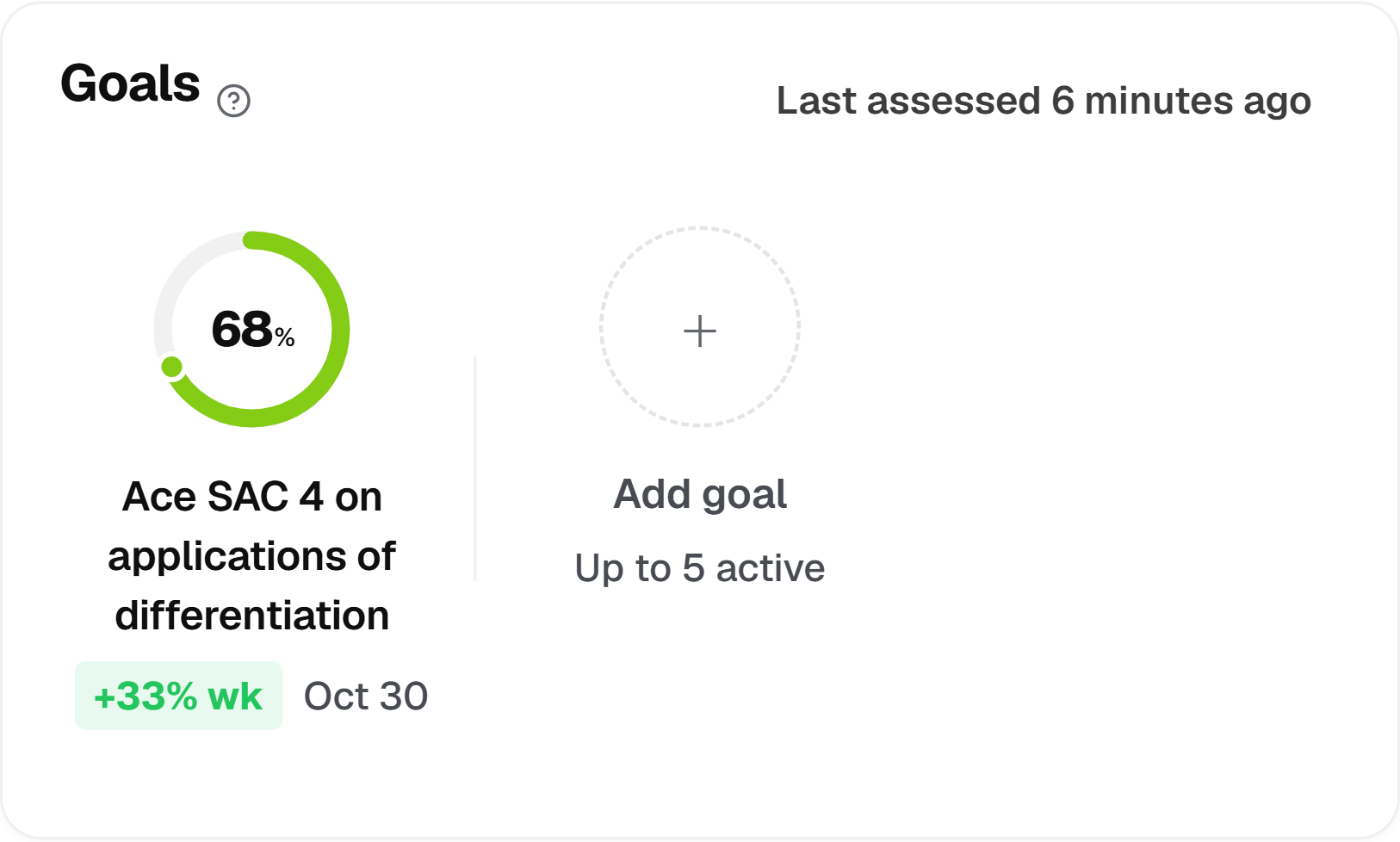
Goals
Set your own, and see progress assessed honestly.
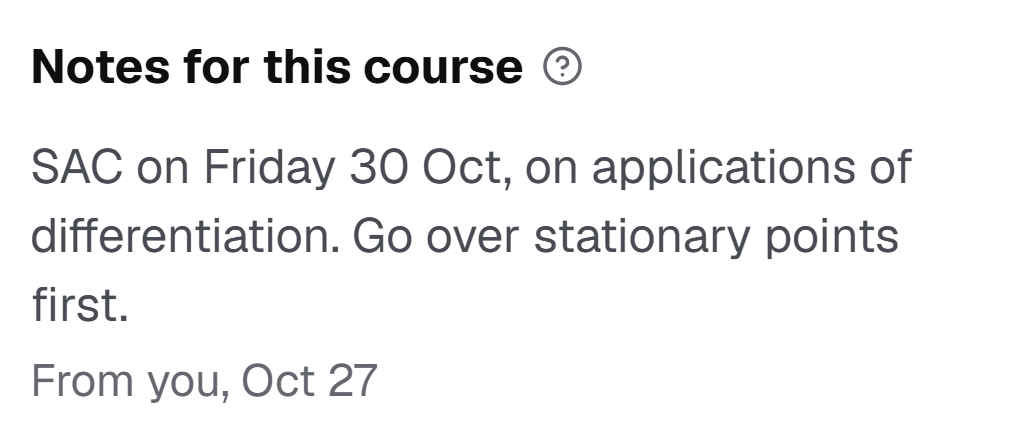
Notes for your tutor
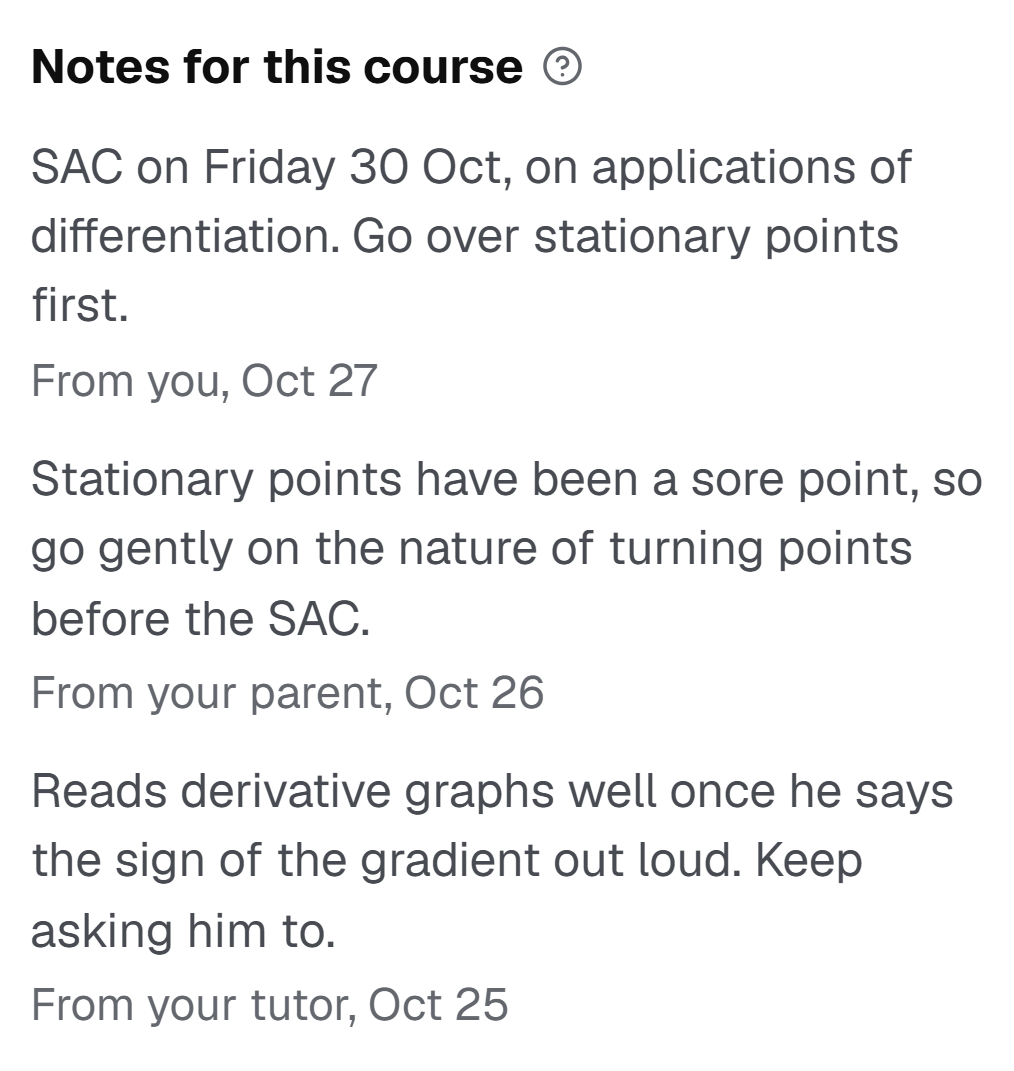
Tell it what is coming up or what to go easy on, and it keeps it in mind.
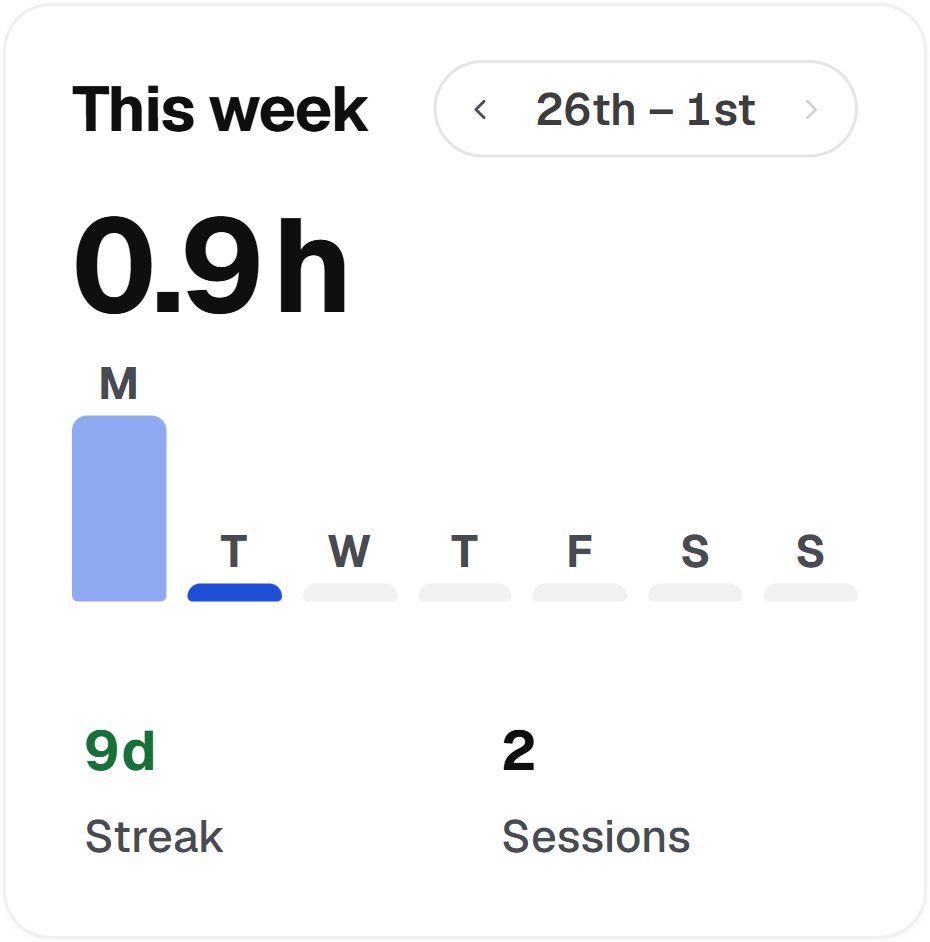
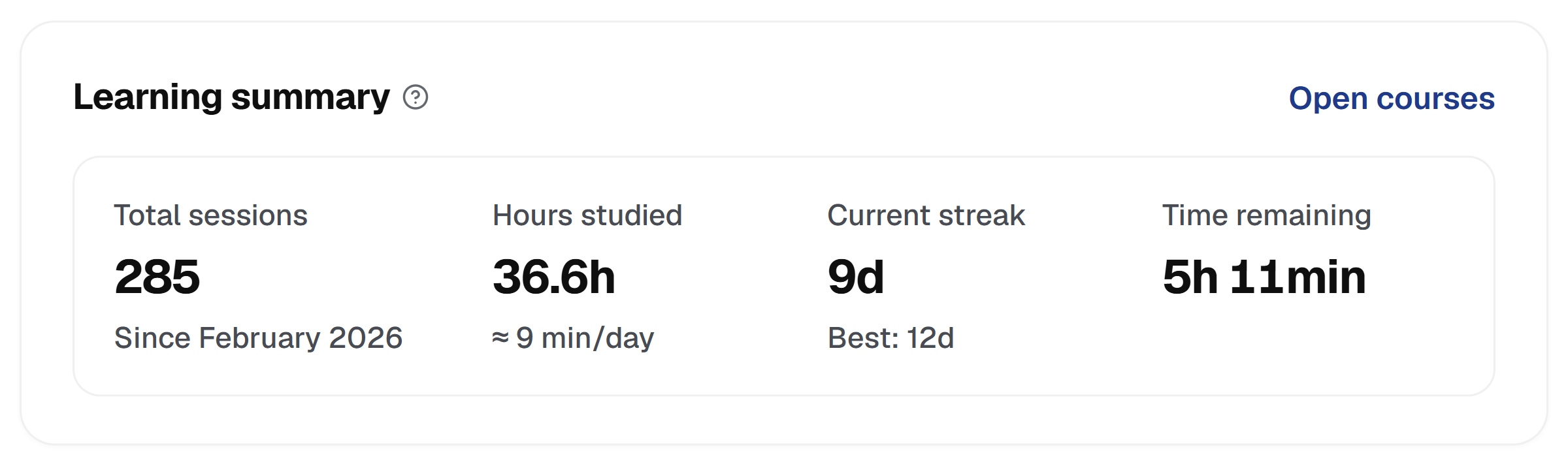
Streaks and time
Your streak, and the tutoring time you have left this month.
Also
Your school’s calendarFeeds from Canvas, Moodle, Compass, Schoology and more bring due dates in.
Busy time or everythingBlock out your busy time only, or import every event.
Rebuilt on your scheduleA new plan after every session, every few, or every week.
Notes from a parentA linked parent can leave the tutor a note too.
Canvas, Moodle, Blackboard, Compass and Schoology are named for compatibility only. Bluehall is not affiliated with or endorsed by these organisations.
6
Help anywhere on the platform
Marking, practice and answers about anything, without starting a session.
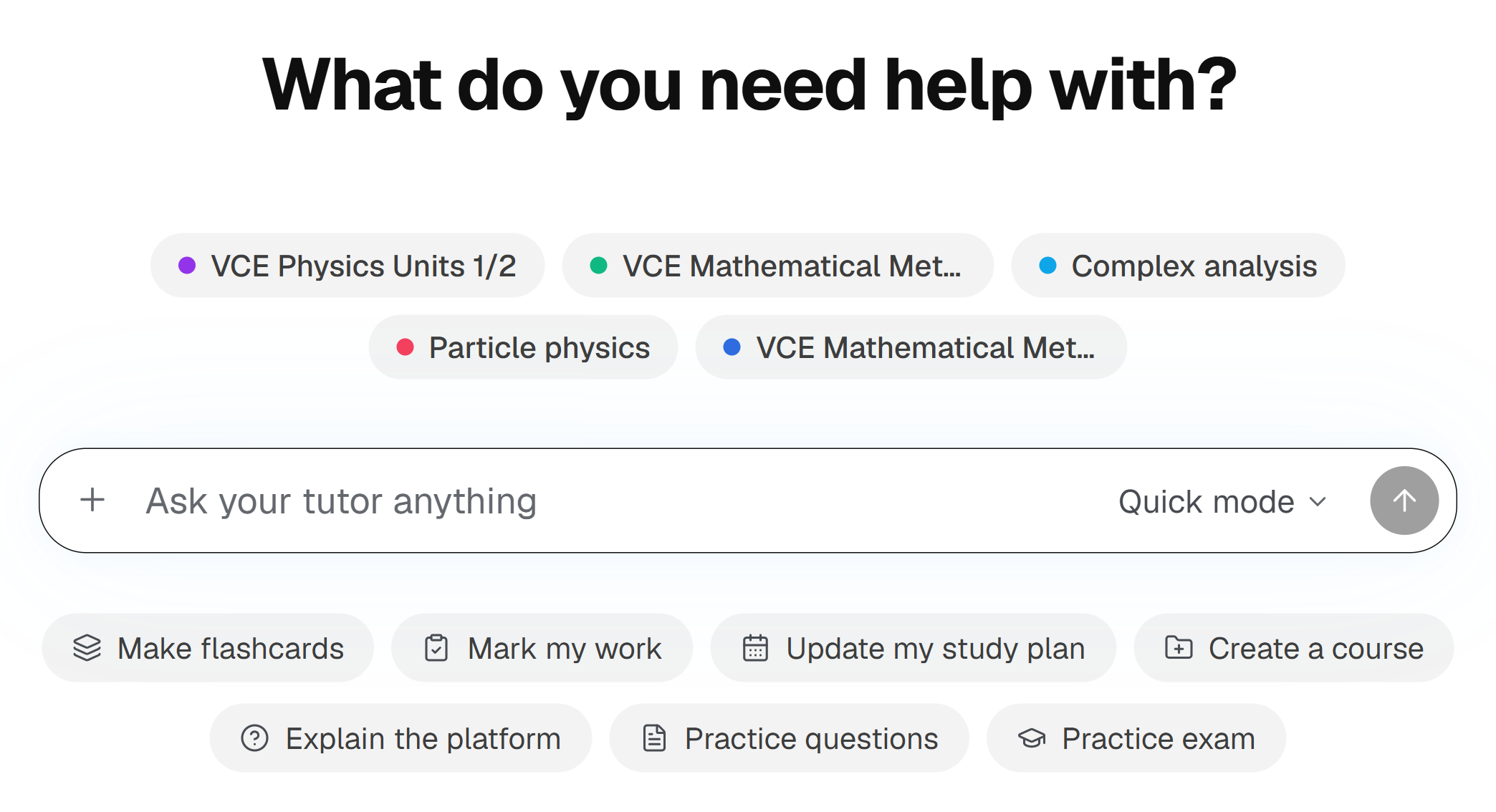
Ask it anything, no session needed
Quick chat is the same tutor, with the same memory of you. Ask a question, or pick what you need and it gets it done.
Mark my work
Send a photo of handwritten working and get it marked, question by question.
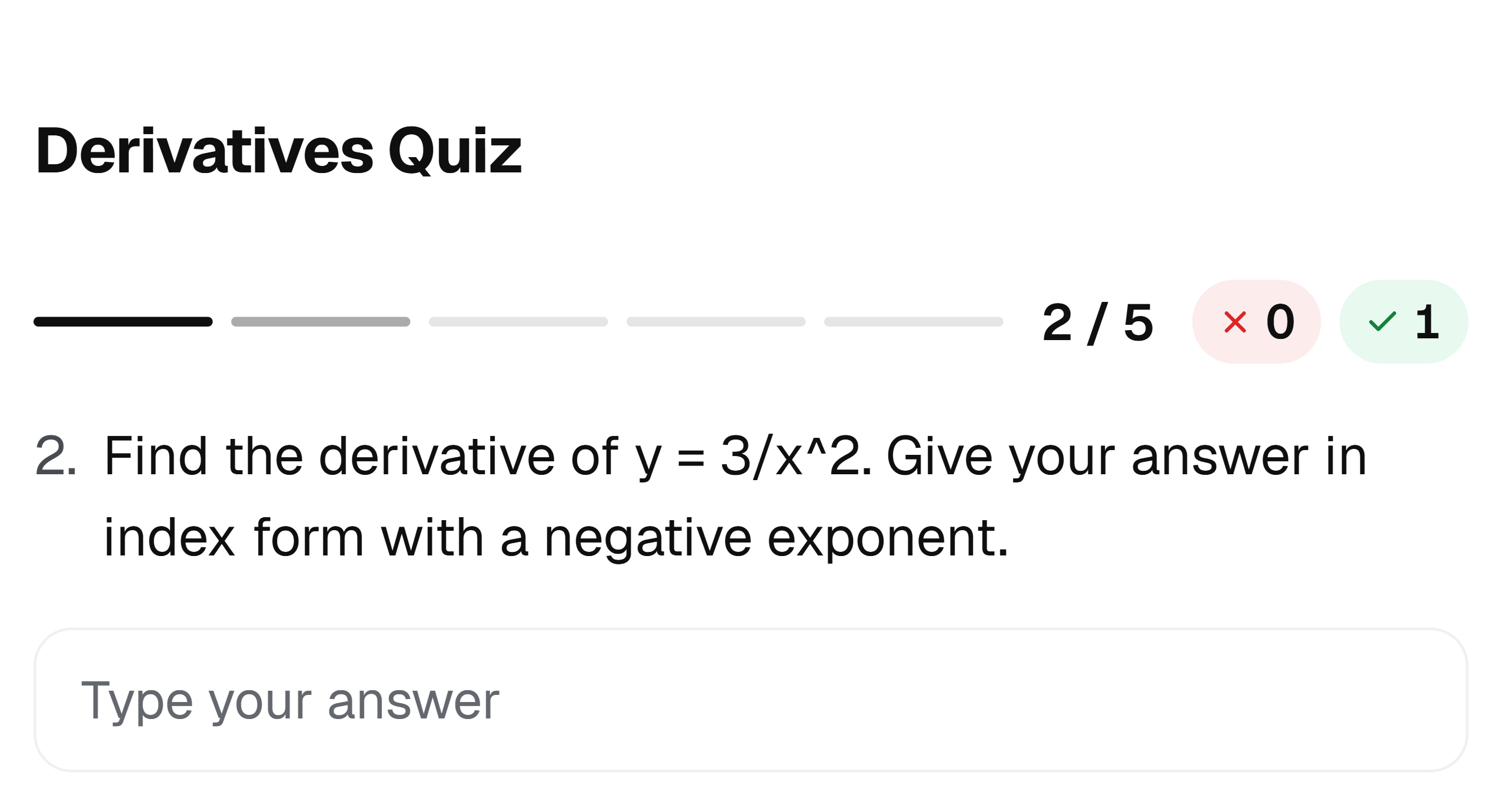
Practice on demand
Worksheets, problem sets, quick tests, flashcards and practice exams, with worked solutions.
Progress reports
Ask for the last week, month or six months, and get it in writing.
Explain the platform
Ask how anything in Bluehall works, and it walks you through it.
Also
Make a course in chatTell it the subject, and it builds the course with you.
Cheat sheetsOne page of what matters, for the topic you name.
Set a goalSay what you are aiming for, and it is on your goals.
Vote on what is nextSuggest courses and features, and vote on others’.
7
Bluehall in Chrome
Coming soon: a Bluehall box on your uni’s lecture and course pages.
Your course pages, connected
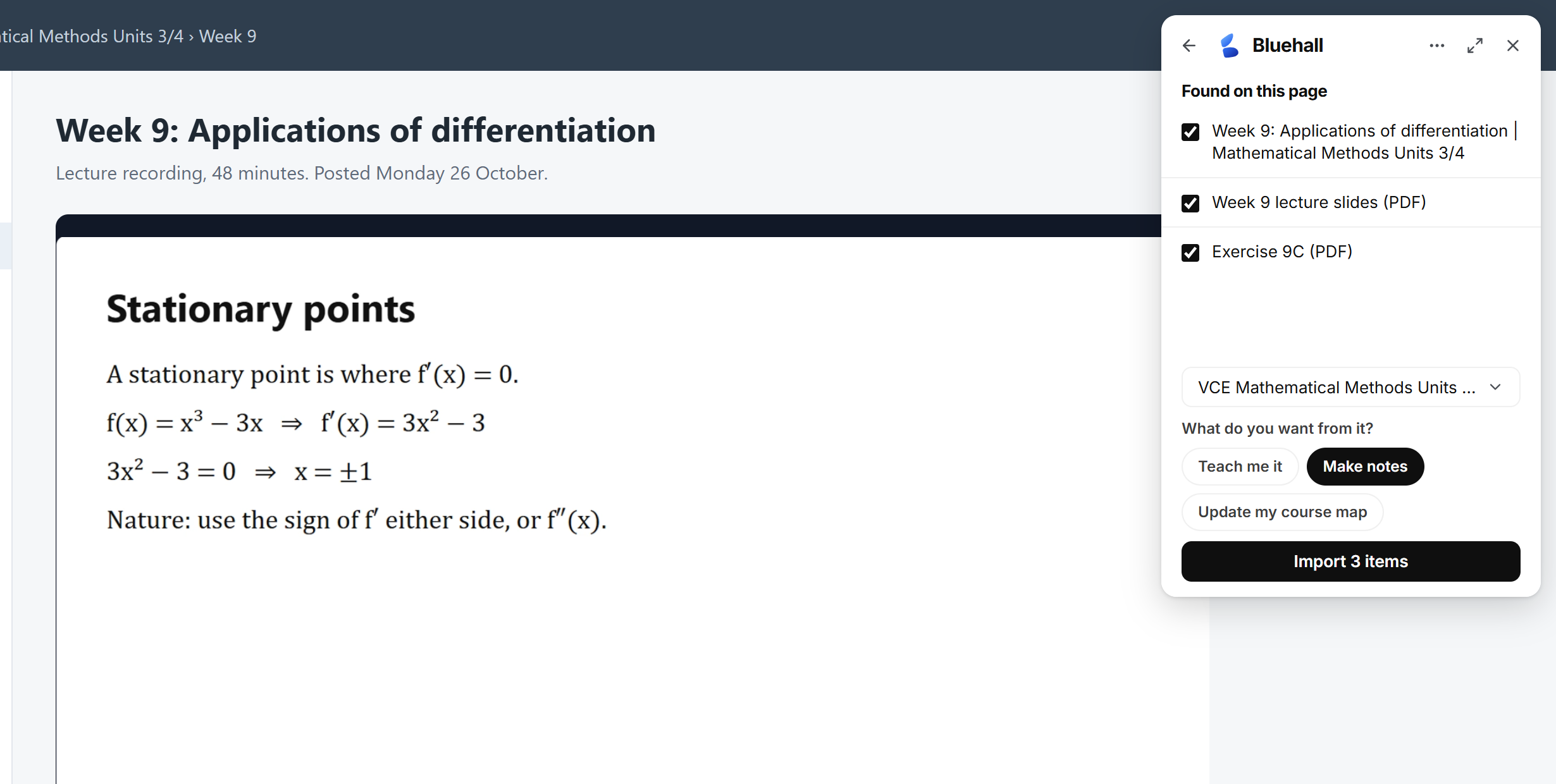
On your university’s course site or lecture player, a small Bluehall box sits in the corner. Import what is on the page, ask about it, or start a session from it, without leaving the page. Not in the Chrome Web Store yet.
The box, on any page
Open Bluehall over your course site or a lecture recording. Ask about what is on screen, or bring the lecture and its readings in as notes.
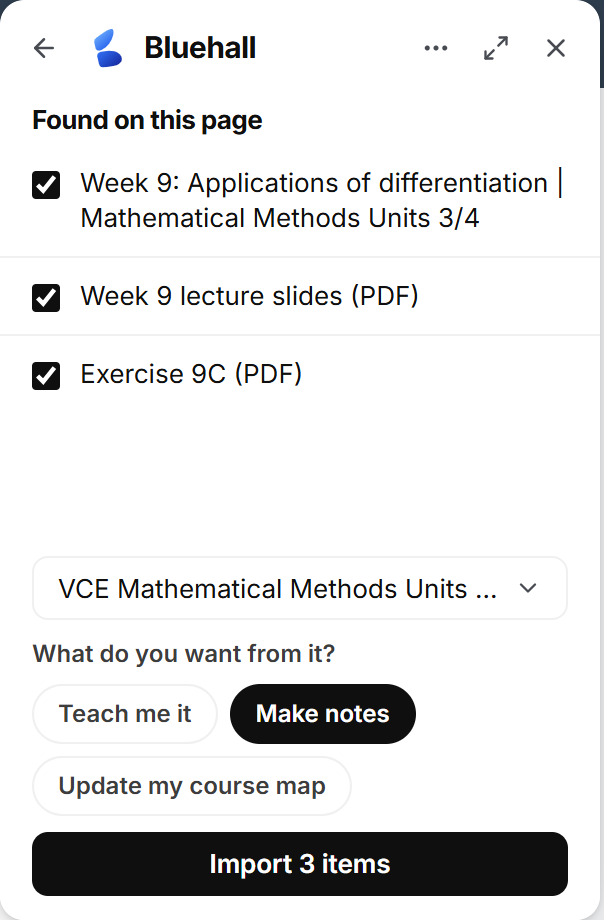
Import the lecture
Bring a lecture’s recording, slides and documents into your course in one go.
Lab report 2Due Friday 5 pm
Problem set 4Due next Tuesday
Due dates, straight in
Assignment due dates come across with the course, so your plan knows what is coming.
What is this week’s tutorial asking?
It wants the period of the orbit, so start from the centripetal force.
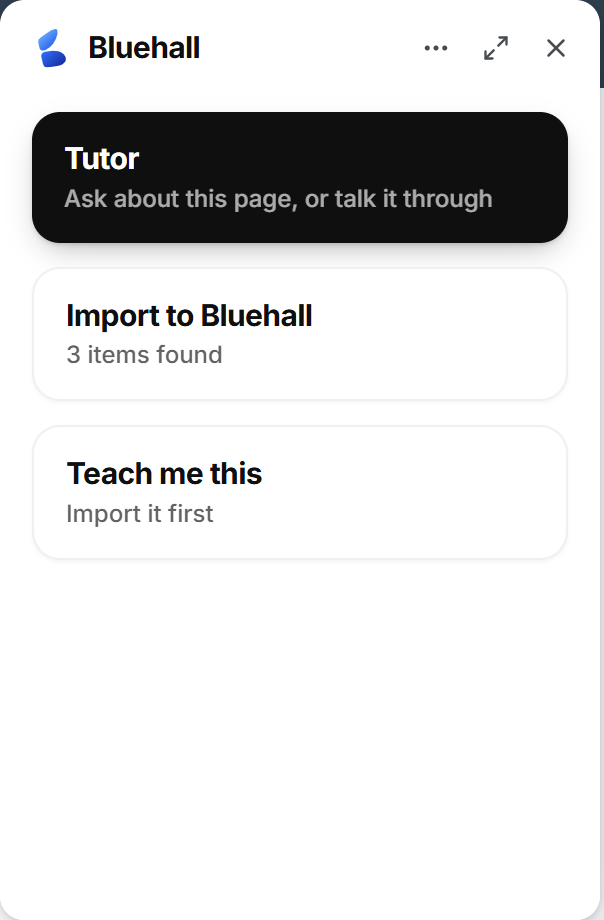
Ask about this page
Ask the tutor about whatever is on the page in front of you.
Teach me this lectureStarts a voice session on it
Teach me this lecture
Start a live session that teaches you the lecture you are on.
Also
Lecture players tooEcho360, Panopto, Kaltura and YouTube, as well as course pages.
Any other pageA general reader handles the pages it does not know.
Into the right courseEverything it imports lands in the course you pick, in your Bluebook.
Canvas, Moodle, Blackboard, D2L, Echo360, Panopto, Kaltura and YouTube are named for compatibility only. Bluehall is not affiliated with or endorsed by these organisations.
8
Take our course, or make your own.
Every session runs on a course map: what you need to learn, in order, and what rests on what. Start from one of ours, or build the one that fits you.
Made by Bluehall
Curriculum aligned courses, kept up to date with the latest study design.
Covering all of the ANZ curriculums.
Build your own
Bluehall will help you build your own custom course, on whatever topic you want to learn.
Build from a Bluehall course
Take one of our courses and make it your own: change the topics, the order and the material. Your progress comes with you.
Share with anyone
If you think your course would benefit others you can publish it for the community to use!
What you can count on
It teaches from your course
It checks your course material before it answers, and works to your exam’s conventions.
You can see what it knows
See what it has learned about how you learn, remove any of it, download all of it, or delete your account.
Parents by invitation only
A parent sees your sessions only after you link their account.
Questions people ask
Isn’t this just ChatGPT?
No. A general chatbot is built to answer anything. Bluehall is built to teach your course: it talks with you, sees your working as you write it, checks your course material, and remembers your sessions and goals.
Only in Open Mode, which does exactly what you ask. Interactive Lecture, the default, teaches the topic in full, and Tutor Mode follows your lead without doing the work for you. A linked parent can switch Open Mode off.
What do I need?
A laptop or tablet with a browser and a microphone. There is nothing to install. A phone works as a second screen, and for photographing paper working.
Which courses does it cover?
VCE sciences and maths, and senior courses for NSW, Queensland, South Australia and Tasmania. IB courses are still being built. If yours is not in the library, describe it and Bluehall sets it up.